
Enable abandoned cart recovery
Enable abandoned cart recovery to re-engage customers who enter their information in their shopping cart but then leave your store without making a purchase. Abandoned cart emails remind customers to check out their chosen products, which can boost your sales.
- Go to your Deals2Domains product page.
- Scroll down, expand Website Builder and select Manage next to your site.
- On your dashboard, go to Store and select Overview.
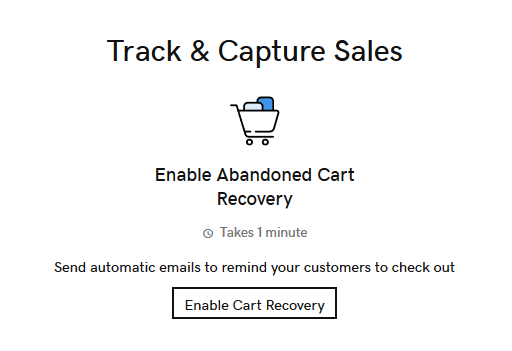
- Scroll down and select Enable Cart Recovery.
- Switch the Enable abandoned checkout reminders toggle on.
- Choose how much time should pass after a customer leaves your store with products still in their cart before the email is automatically sent.
Note: To view a list of current abandoned carts, select
Store on your dashboard, then Orders, and then select Abandoned Carts.